

-
 Pick up from the Woodmart Store
-
 Courier delivery
-
 DHL Courier delivery
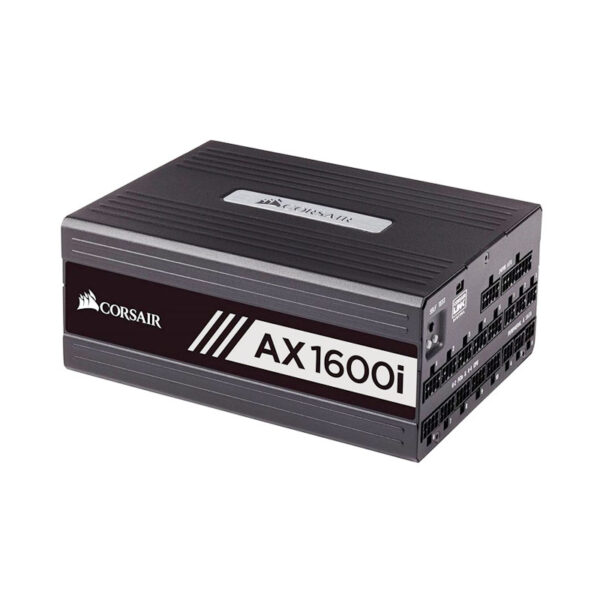
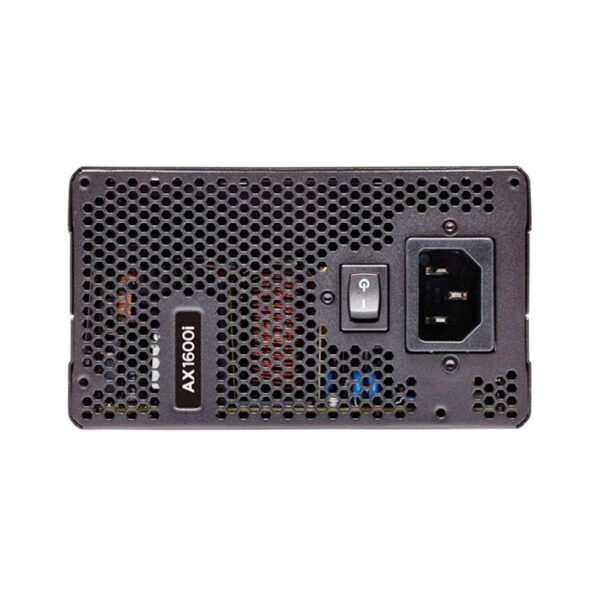
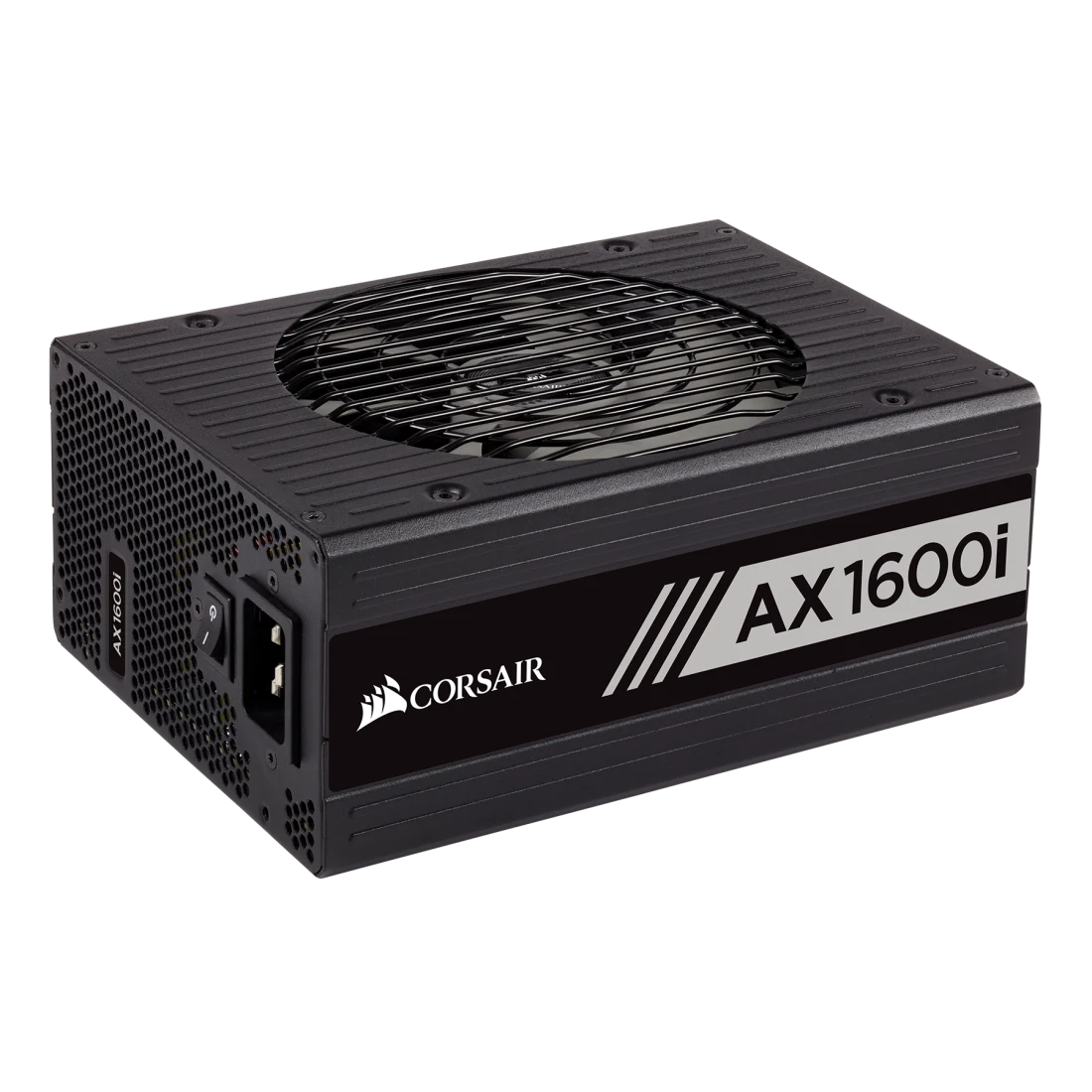
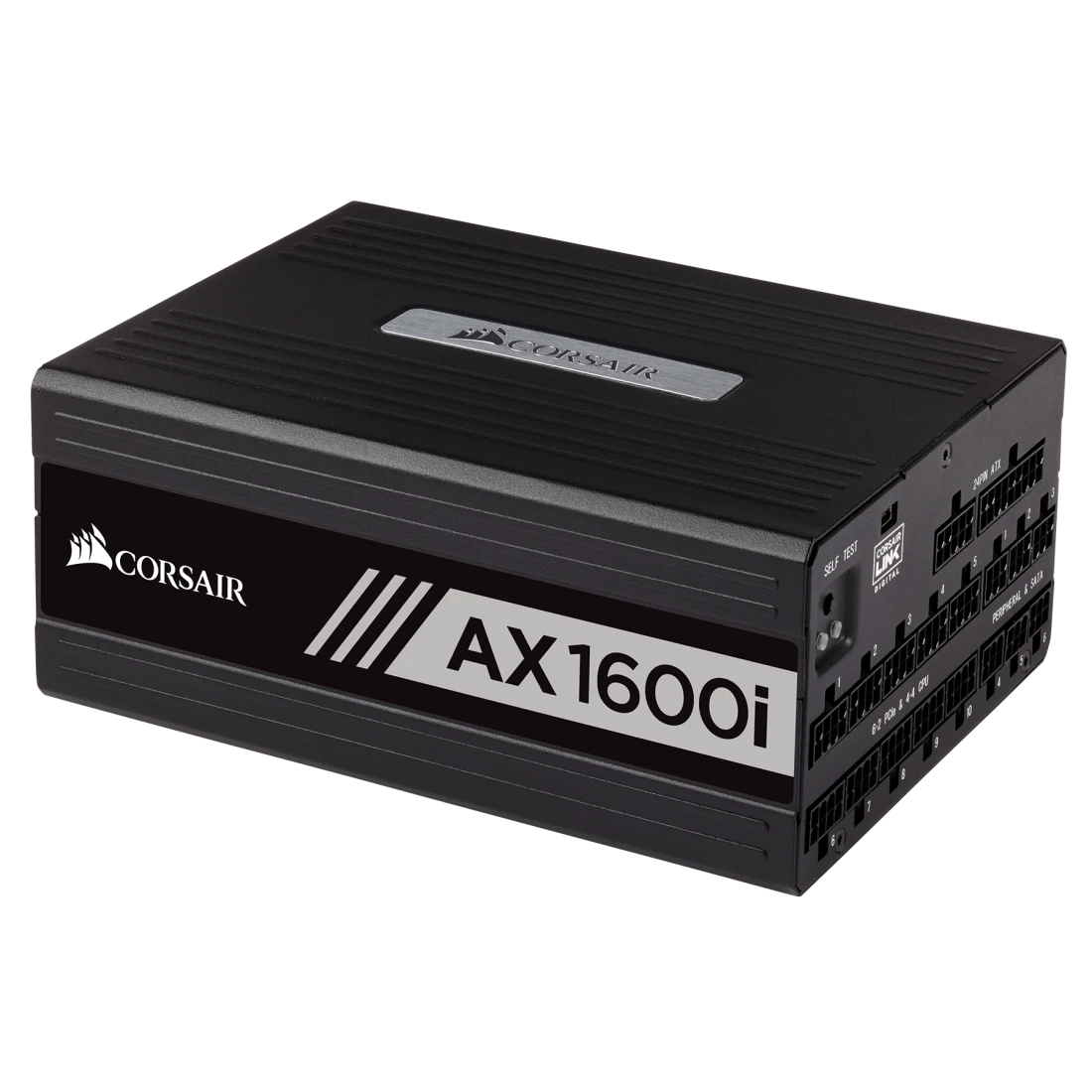
Corsair AX1600i 1600W Power Supply
The Corsair AX1600i 1600W Power Supply is listed for PC builders who want to assess a dedicated desktop power supply against real hardware requirements. The provided inventory identifier is COR-AX1600I80; it should be treated as a seller stock code until the manufacturer part number is checked on the actual box. A power supply must be selected for electrical compatibility, not simply for a brand name or an advertised capacity. This overview explains the practical factors that matter when specifying a safe build.
Understanding the 1600W power class
The nominal wattage associated with COR-AX1600I80 is 1600W. This is the rated output class suggested by the product family and must be confirmed against the exact unit label. The appropriate PSU capacity depends on sustained system consumption, transient loads, connected devices, and the power requirements of the processor and graphics card. A higher wattage number is not a guarantee of quality, and a smaller properly designed unit can outperform a poorly specified larger one.
Choosing a power supply for a balanced PC
Selecting a power supply begins with an inventory of the intended computer components. Record the CPU model, motherboard form factor, graphics card, storage devices, memory configuration, and any expansion hardware. Compare the combined requirements with the manufacturer’s recommended power budget. Add sensible headroom rather than relying on optimistic minimums. The objective is stable operation under realistic workloads, with space for the intended hardware configuration and without unnecessary expense.
Why model identity and revision are important
The identifier COR-AX1600I80 is useful for tracking a stock item, but retailers and distributors sometimes shorten product names or add suffixes. This means an apparent family match may not determine the exact generation, connectors, fan design, warranty, or power-efficiency standard. Before publishing final specifications, cross-check the physical label and packaging against the official product page. This protects customers against ordering a product with the wrong revision or missing a required connection.
Reliable power for the motherboard and processor
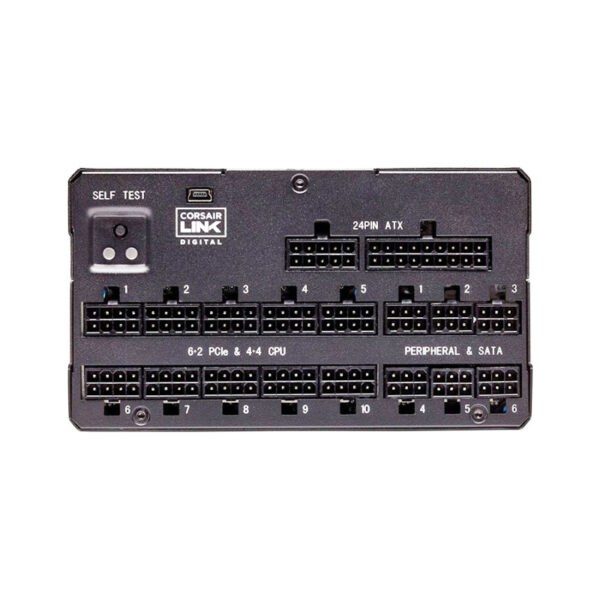
Modern desktop computers distribute power through several connectors and voltage rails. The motherboard generally receives its primary power through the main ATX connector, while the processor uses dedicated CPU power connections. The number and type of CPU connectors differ across boards, particularly between mainstream desktops and high-end workstations. Inspect the exact supplied cable set and motherboard requirements before placing an order. The power supply must also fit the case and allow cables to route without excessive strain.
Planning a graphics-card upgrade
Dedicated graphics cards can place significant demands on a computer power supply. Some graphics cards use traditional PCIe 6+2-pin connections, while others require compatible 16-pin connections or manufacturer-specified adapters. Never assume a connector is supplied merely because the wattage appears sufficient. Verify the graphics card’s power recommendation, the power supply’s actual cable inventory, and the routing space around its sockets. Avoid using unsuitable adapters or mixing modular cables from unrelated PSU models.
Managing transient power demands
A computer does not draw exactly the same amount of power at every moment. Gaming, rendering, and processor-intensive applications can create rapid changes in consumption. A well-matched PSU must handle these transitions within its rated capabilities. Newer ATX designs may include more explicit transient-load requirements, but whether those apply to COR-AX1600I80 depends on its actual revision. For this reason, the certification and specification sheet of the specific unit should guide compatibility decisions.
Power efficiency and electricity usage
Efficiency describes the relationship between power drawn from the wall and usable power delivered to the computer. Higher efficiency generally means less wasted energy and heat at specified test loads. Certification labels can be helpful, but they must be verified for the exact product version. Do not infer an 80 PLUS tier from wattage or a similar-looking series name. Actual wall power also changes with system workload, temperature, mains conditions, and the efficiency curve.
Cooling and airflow considerations
Power supplies convert electrical energy and generate heat as they operate. Their cooling designs may use different fan sizes, bearings, operating profiles, and thermal controls. Those details vary by revision and should not be guessed from the stock code. During installation, maintain clear access to the unit’s ventilation openings and follow the case manufacturer’s orientation guidance. Dust filters and adequate room around intake openings help the system maintain airflow over time.
Noise expectations for desktop use
Fan noise can influence the comfort of a workstation or gaming computer, especially in quiet rooms. Actual noise depends on fan design, temperature, workload, and cabinet placement. Some PSU families offer low-load fan-stop operation, while others run their fans continuously. That feature should be listed only when documented for the exact unit. Users seeking a quiet desktop should consider independent acoustics data and official operating specifications rather than relying on unverified marketing assumptions.
Cable management and a clean build
Power cables influence both the appearance and serviceability of a PC. Fully modular, semi-modular, and fixed-cable designs arrange the wiring differently, but the exact arrangement for COR-AX1600I80 requires manufacturer confirmation. Regardless of design, route cables away from spinning fans and high-temperature surfaces. Avoid sharp bends close to power connectors and ensure every connection is fully seated. Clear cable routing can make future upgrades and cleaning easier.
Understanding PSU form factors
ATX and SFX are common power-supply form factors, with some product families also using SFX-L or specialized chassis dimensions. Case compatibility depends on the exact width, depth, height, and mounting arrangement, not merely the advertised output wattage. Compact builds may require special attention to cable clearance and ventilation. Before ordering Corsair AX1600i 1600W Power Supply, compare the manufacturer’s dimension drawing and supported form factor with the target case specifications.
ATX standards and changing requirements
Power-supply standards evolve as computer components change. Terms such as ATX 2.x, ATX 3.0, and ATX 3.1 refer to different generations of electrical and compatibility requirements. The standard for COR-AX1600I80 must be taken from its manufacturer documentation rather than inferred from a suffix or a nearby listing. This is particularly important when building systems with recent high-performance graphics cards and their corresponding power connectors.
PCIe power cables and connector safety
Power connections must be treated as matched electrical components. The same physical appearance does not guarantee that two modular cables have compatible wiring at the PSU end. Use only cables approved for the specific model and generation. A connector must be seated fully, and heavy side pressure should be avoided near the socket. For modern GPUs, check the graphics card maker’s cable-clearance instructions. Incorrect cables or incomplete connections can damage expensive hardware.
Protection circuitry and electrical safety
Power supplies may use over-current, over-voltage, short-circuit, over-temperature, under-voltage, and over-power protection mechanisms. The availability and implementation of each protection must be confirmed for the exact manufacturer model. Such safeguards are valuable, but they are not substitutes for appropriate electrical installation or correct component compatibility. Use a reliable mains supply and follow the manufacturer’s instructions. Hardware servicing should be performed by qualified technicians; never open a PSU enclosure.
Selecting a suitable CPU and GPU combination
An efficient buying decision considers the processor and graphics card together. The power supply needs adequate rated capacity, but it also needs the correct CPU and GPU connectors. A basic office system with integrated graphics has different requirements from a gaming PC with a discrete GPU. A high-end rendering workstation may also experience sustained heavy loads. The correct choice should be based on the actual component list and expected operating patterns.
Gaming PC applications
For gaming computers, Corsair AX1600i 1600W Power Supply belongs in a capacity category that should be evaluated against the selected graphics card and processor. Gaming workloads can vary substantially between titles and settings. The GPU manufacturer’s recommended power supply is a useful starting point, but case ventilation, drive count, motherboard requirements, and possible upgrades also matter. The listed product should be described as suitable only for systems whose electrical and physical requirements it meets.
Office desktop and productivity builds
Business systems often prioritize reliability, manageable running costs, and straightforward servicing. A properly specified power supply supports components used for spreadsheets, communication, accounting, design, and everyday office applications. In a business environment, a matched unit can reduce compatibility problems during procurement and maintenance. When ordering for multiple machines, confirm exact production revisions and consistent connector sets across the batch. Record the manufacturer part number alongside the seller stock code.
Content creation and workstation projects
Editing, rendering, simulation, and development applications can keep a computer under heavy load for extended periods. When selecting a PSU for such work, check the continuous rated output and operating-temperature specifications of the exact model. Workstations may use power-hungry CPUs, GPUs, multiple storage drives, and add-in cards. Stable power delivery is one element of a dependable workstation. The complete hardware configuration and expected duty cycle should guide purchasing decisions.
Storage devices and additional accessories
A desktop may include multiple SSDs, hard drives, fan controllers, lighting devices, and other accessories. These components require appropriate power connections even when their consumption is lower than the main processor or graphics card. Check the number of SATA and peripheral connectors supplied with the exact PSU package. Avoid extending power lines beyond manufacturers’ cable ratings. Plan extra cable reach where drives are located far from the power-supply compartment.
Case ventilation and installation position
The location of the PSU inside the case can affect cable routing and airflow. Many computer cabinets mount the unit at the bottom, but some use alternative arrangements. Follow the case and power supply manufacturers’ installation instructions. Verify physical clearance, fan intake direction, ventilation access, and the ability to secure the unit correctly. A tidy build reduces the chance of cables touching fans or being crushed by side panels.
Installation checks before first power-on
Before switching on a newly assembled computer, inspect all relevant power connections. Confirm that the motherboard connector and CPU power cables are fully inserted. Verify GPU connections, storage power, and any required adapters. Ensure that no cables are caught in fans or sharply bent near high-current connectors. Confirm that the power supply’s input voltage compatibility and switch settings follow the product instructions. Do not operate a unit with damaged cables or a damaged housing.
Maintenance and long-term care
A power supply benefits from a clean and well-ventilated operating environment. Dust can accumulate around case filters and intake vents, reducing airflow. The outside of a powered-off, unplugged computer may be cleaned according to manufacturer instructions. The PSU enclosure itself should never be opened by an unqualified user, even after disconnection, because internal components can retain hazardous charge. Inspect connectors and cables for visible damage during routine computer maintenance.
Understanding manufacturer warranties
Warranty terms can differ by region, generation, and exact SKU. A retailer stock code is not sufficient evidence of an applicable warranty period. Verify the manufacturer’s Indian warranty terms, invoice requirements, and service procedure before publication. Some similarly named PSU families have had different warranty offerings over time. A responsible product listing should state a warranty only after the specific version and regional coverage have been confirmed. Maintain purchase records for customer support.
Selecting accessories and cables
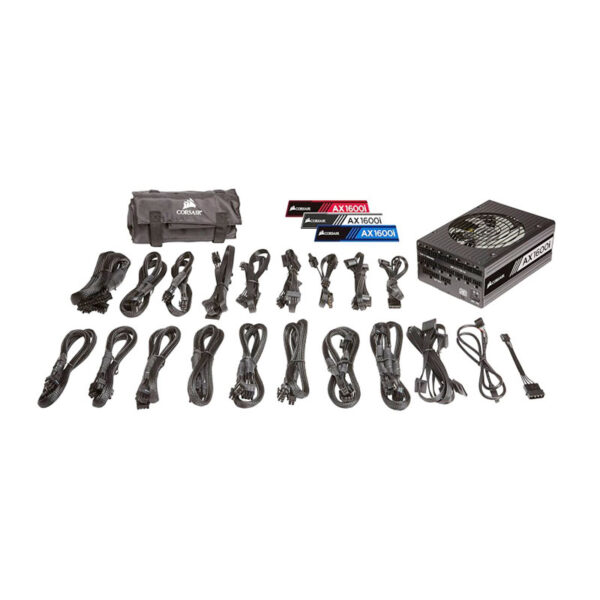
Avoid assuming that a PSU includes every cable needed for a specialized build. The contents of a package depend on the exact model and market. A modern graphics card may need a dedicated high-current cable, while a workstation board may require more than one CPU power connector. Extension cables and adapters must be chosen carefully and rated appropriately. For modular power supplies, use the original compatible cable set rather than visually similar cables from another manufacturer.
Manufacturer information and genuine product details
The correct source for exact electrical specifications is the manufacturer datasheet for the matching model and generation. A stock identifier may refer to a distributor catalog entry rather than an official public-facing product number. Verify the unit label before adding efficiency badges, cable counts, fan sizes, capacitor claims, dimensions, and warranty statements to a live website. The manufacturer’s product support resources can also provide installation instructions and compatible-cable guidance.
Why the Corsair AX1600i 1600W Power Supply deserves careful evaluation
The Corsair AX1600i 1600W Power Supply may be a relevant option for a desktop power-supply shortlist when its true specification matches the intended components. The value of a PSU lies in safe compatibility, adequate sustained output, reliable operating conditions, and appropriate manufacturer support. Do not select solely on a marketing label. Check the exact model and use-case requirements, especially for expensive graphics cards and workstation hardware. This approach helps reduce ordering mistakes and unnecessary returns.
Buy Corsair AX1600i 1600W Power Supply in India
Customers can enquire about the Corsair AX1600i 1600W Power Supply and suitable PC components through Aadinath Peripherals & Consumables, Mumbai. The sales team should confirm the manufacturer part number, current inventory, actual selling price, connector layout, warranty terms, and compatibility before issuing a final quotation. For systems with demanding graphics cards or unusual cases, sharing the planned component list will make the selection more accurate. This listing provides helpful buying context while preserving any specification fields that remain unverified.
For accurate details, consult Corsair official power supply information and match the manufacturer MPN to the exact stock-code record before publishing final hardware attributes.

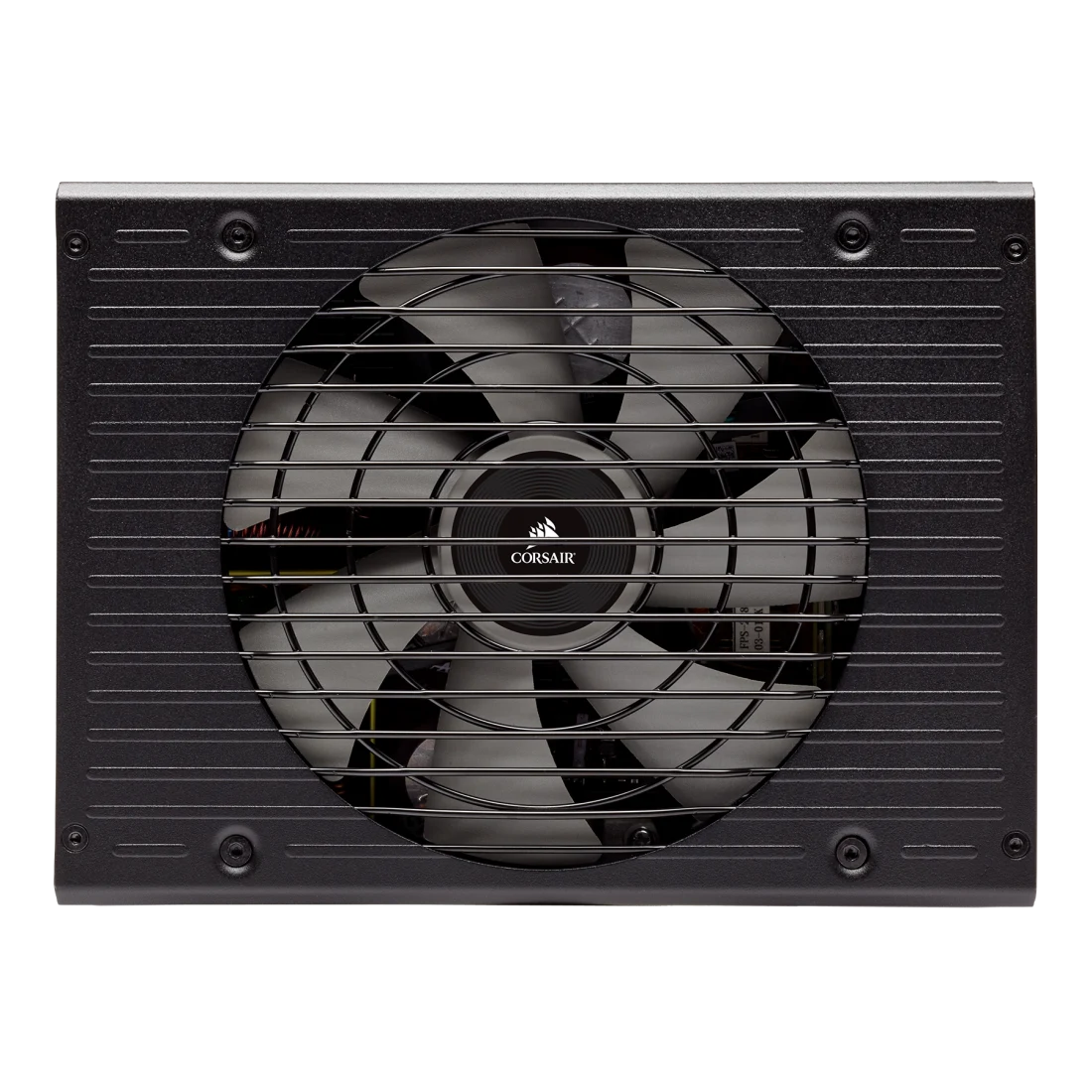


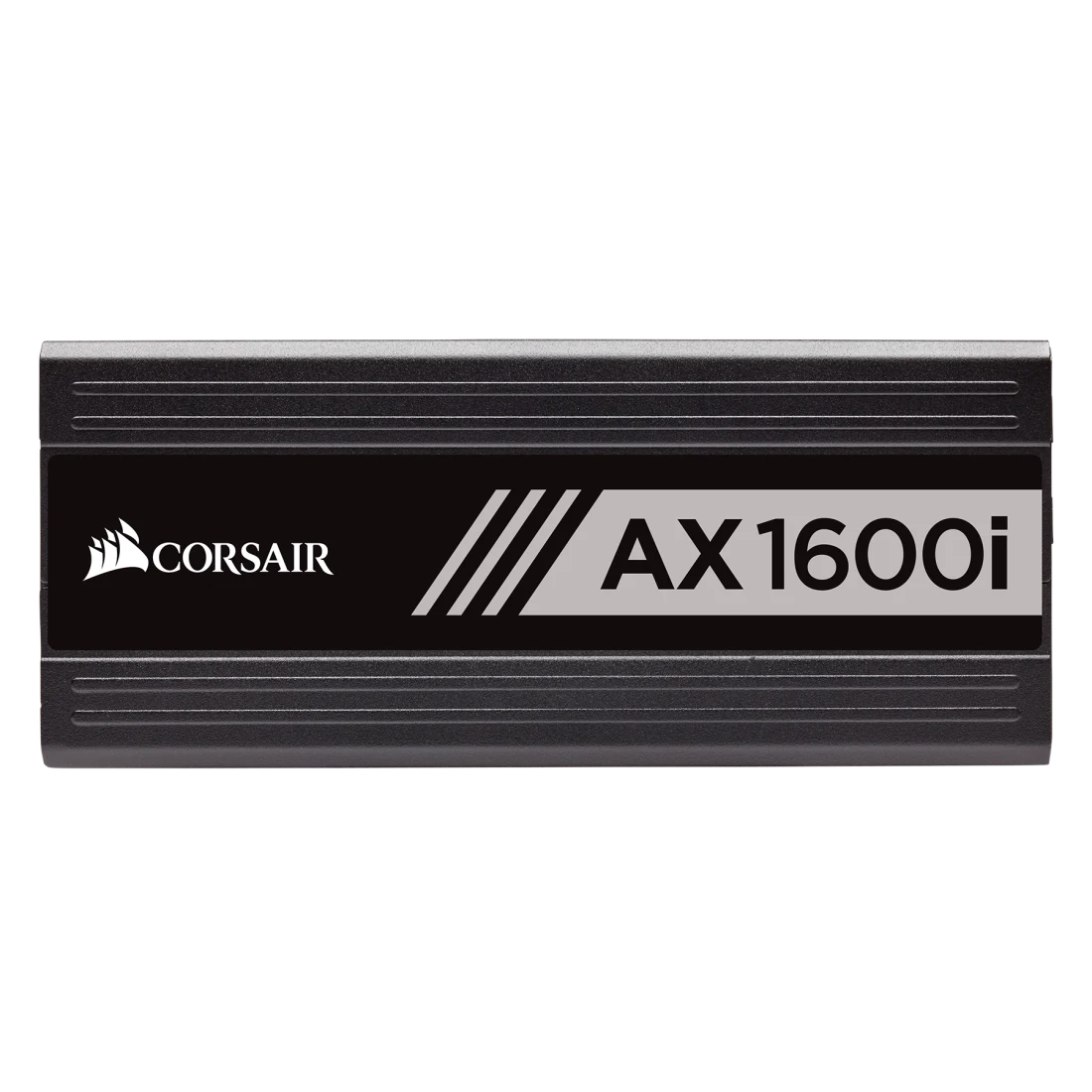

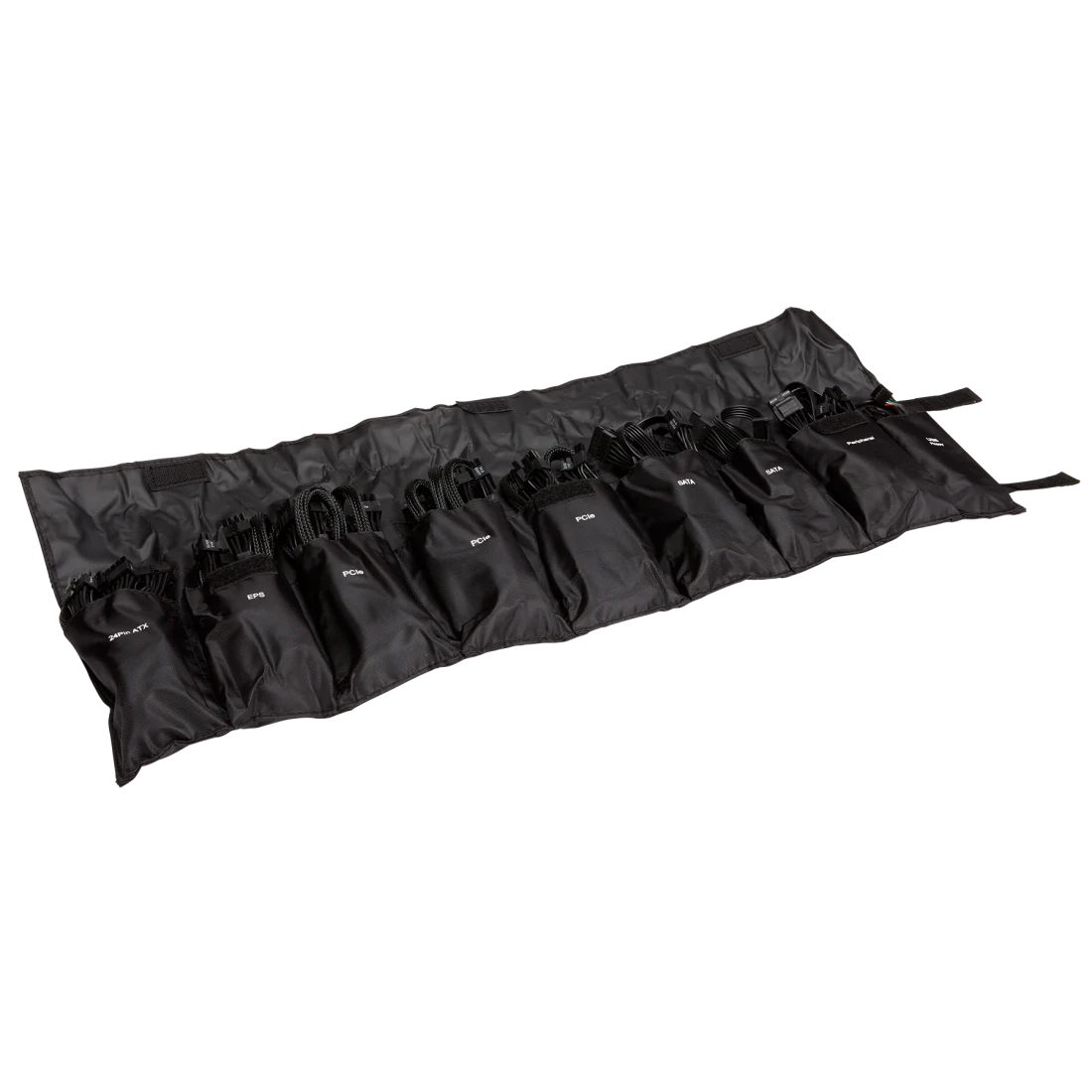
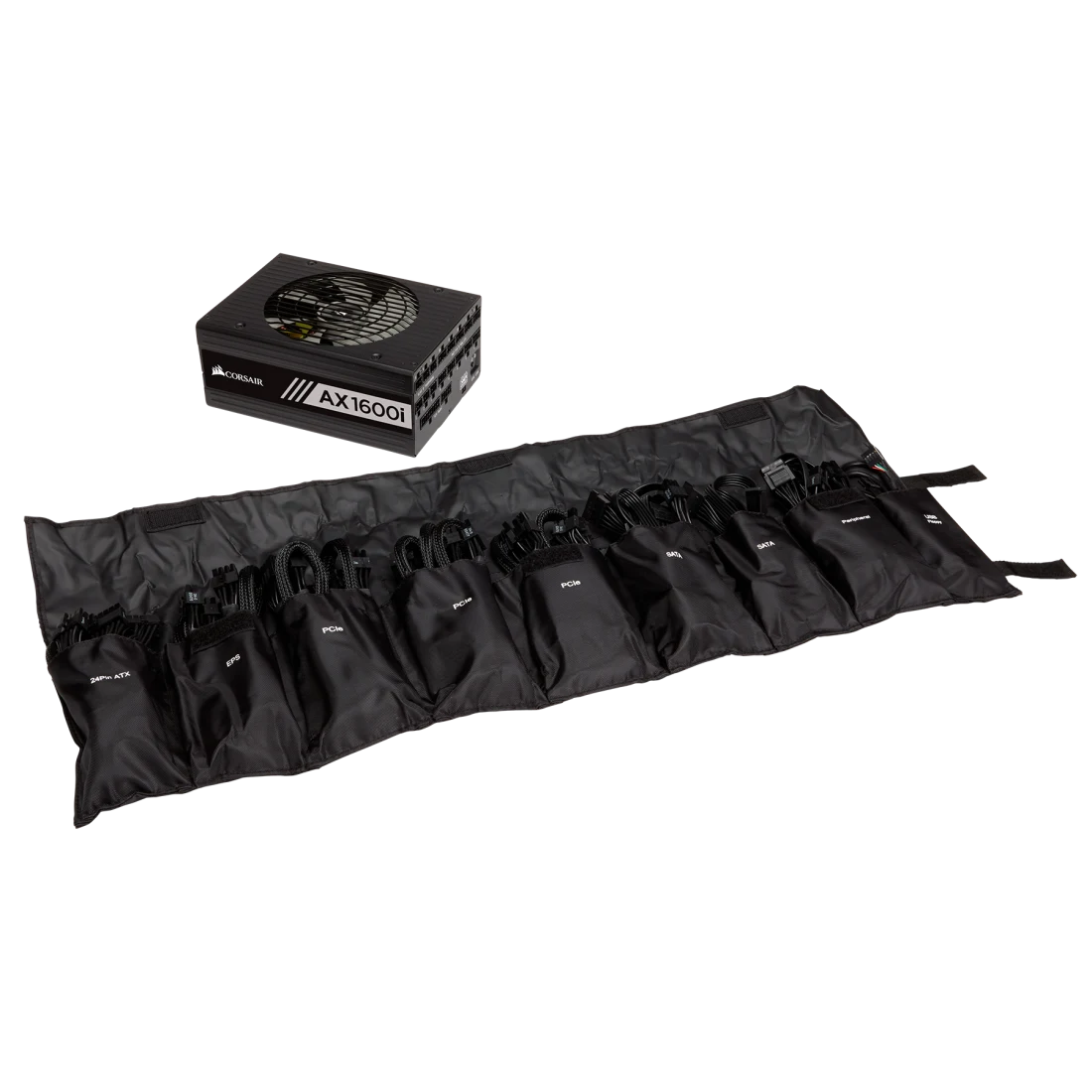
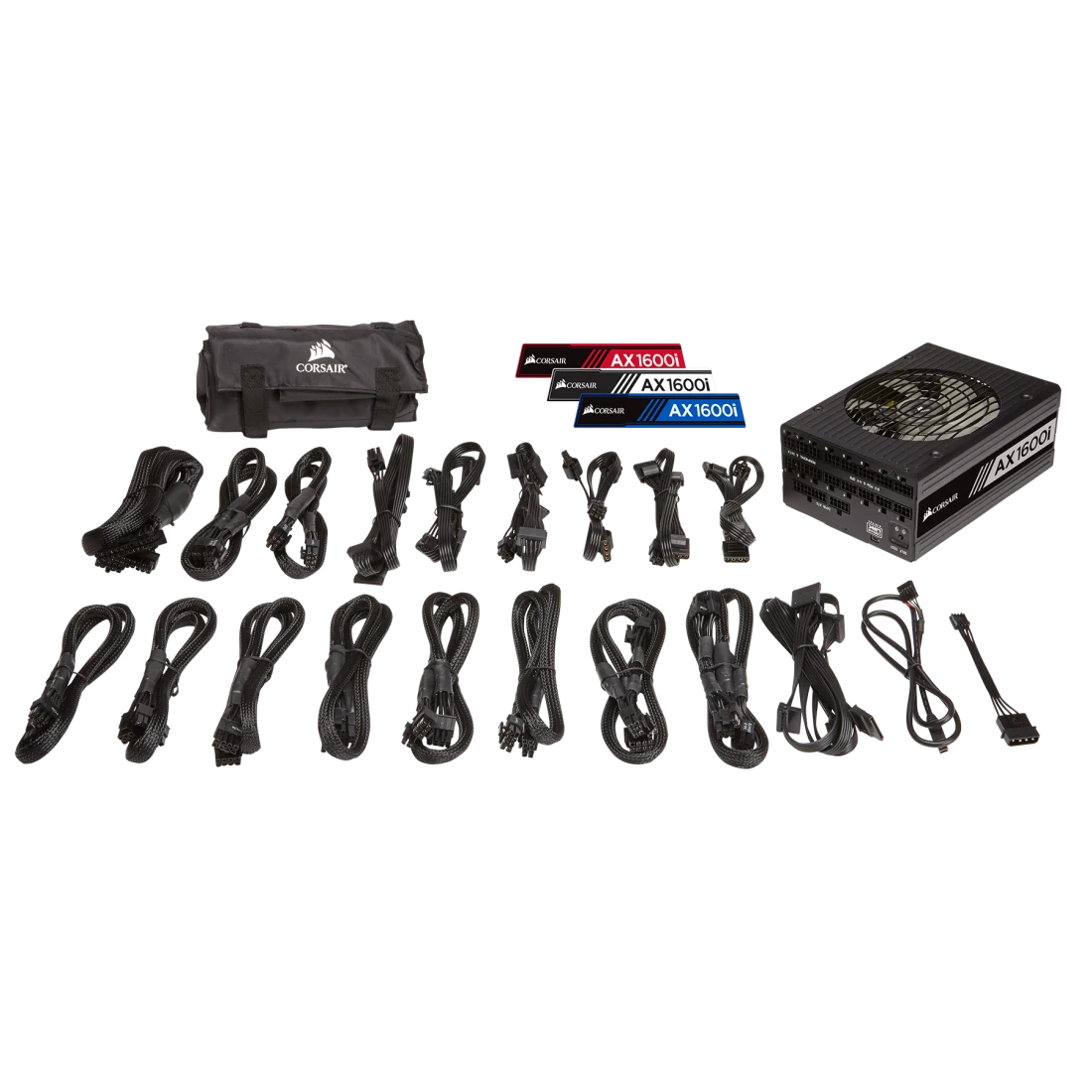
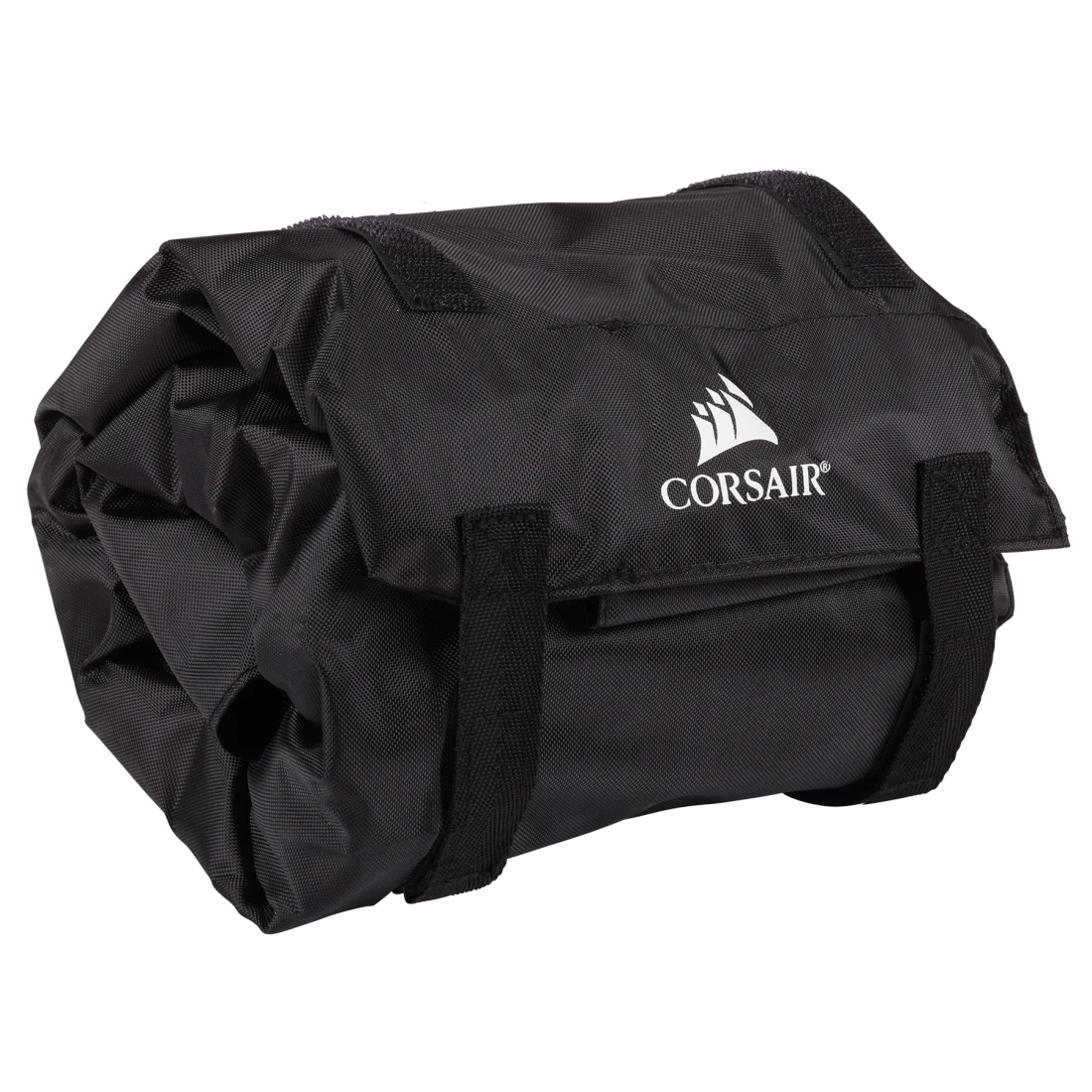
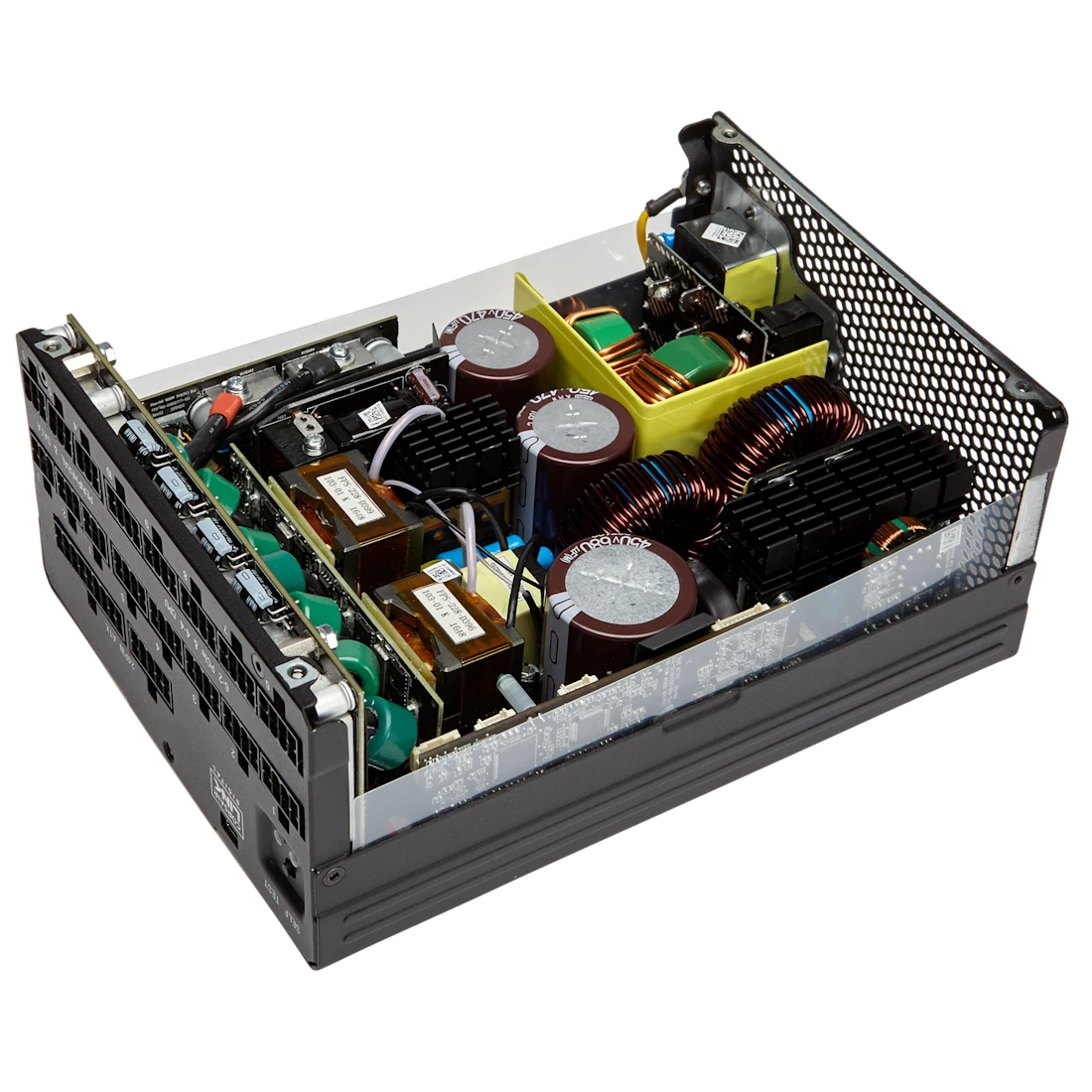
Technical Specifications:-
| distributor model code | COR-AX1600I80 |
| Manufacturer brand | Corsair |
| Series | AX1600i |
| 80 PLUS efficiency rating | 80 PLUS Titanium (Corsair AX1600i family) |
| Cable modularity | Fully modular (Corsair AX1600i family) |
| Official product specification source | https://www.corsair.com/ |
| Weight | 6 kg |
|---|---|
| Brand | Corsair |
| Model | CP-9020087-UK |
You may also like

Reviews
There are no reviews yet.